
In order to interact with any IronBox container or secure package, you must first know its Container ID or Friendly ID. Follow the steps below to find your IronBox container ID:
- Log into your IronBox account.
- On the Secure File Transfer tab, click on the IronBox container you are trying to access with the REST API.
- Press the Options button.
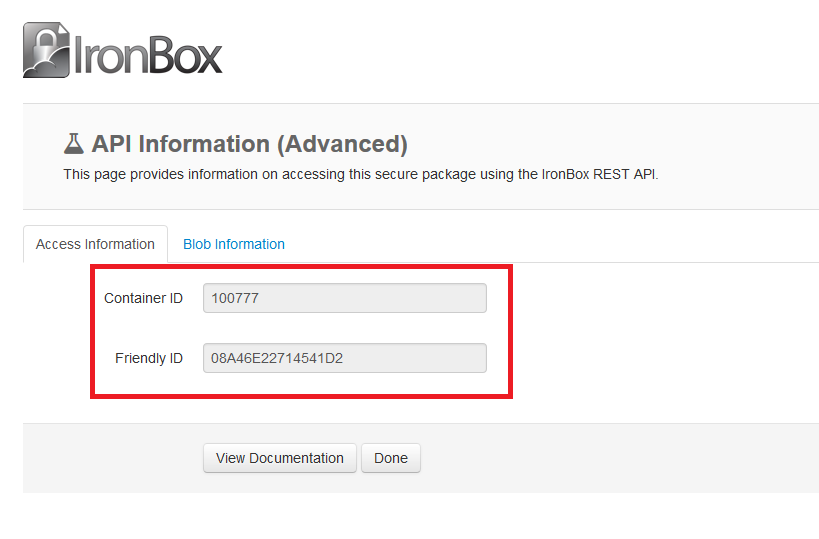
- Select API Information (Advanced).
- The Container ID and Friendly ID will be shown in the Access Tab.
Comments
0 comments
Article is closed for comments.